Turn cancelled chairs into filled appointments
When a patient cancels, Open Slot tells your front desk the moment a chair opens. Staff review the time, pick an approved next step, and recover the slot — while your practice-management system stays the authoritative schedule.
Recovery queue
3 openings today
9:40 AM
Chair 2
11:15 AM
Chair 1
2:30 PM
Chair 3
Practice timezone · America/Chicago
EHR-verifiedA cancellation is revenue on the clock
A chair goes empty the moment a patient cancels. Your front desk scrambles through sticky notes, paper waitlists, and phone trees — while the slot drains value by the hour and the schedule keeps moving underneath them.
- No single view of which chairs just opened
- Waitlists live in binders, heads, and personal phones
- Calling down a list takes the desk off the floor
- No audit trail of who did what, when
One recovery queue, staff in control
Open Slot surfaces openings as they happen, keeps every action in an audit trail, and never books without your say-so. The schedule stays where it belongs — in your practice-management system.
- Live recovery queue, grouped by chair and time
- Staff-approved offers — no automatic booking
- Time-zone-correct from the practice's perspective
- Every action logged for the office manager
From cancellation to filled chair in four clear steps
A chair opens
When an appointment is cancelled in your practice-management system, Open Slot flags the open slot for the front desk — no manual entry required.
Staff review the opening
Your team sees the time, chair, and context at a glance. They decide the right next step — offer it to a waiting patient, flag it for manager review, or reopen it.
An approved next step
Open Slot routes the offer or hold through your workflow. Nothing is booked until staff confirm — and the real schedule always lives in your EHR.
Reconciled & logged
Every action is time-stamped and tied to the staff member. If a response times out, the command is reconciled safely — no double-booking, no false success.
Built for the reality of a busy front desk
Time-zone-correct by default
Open Slot shows every opening in the practice's own timezone — not the device's. Times stay right across travel, daylight saving, and multi-location clinics, so 9:40 in Chicago is always 9:40 in Chicago.
- Practice-local time on every slot
- Preserved across DST transitions
- Explicit offset, never naive timestamps
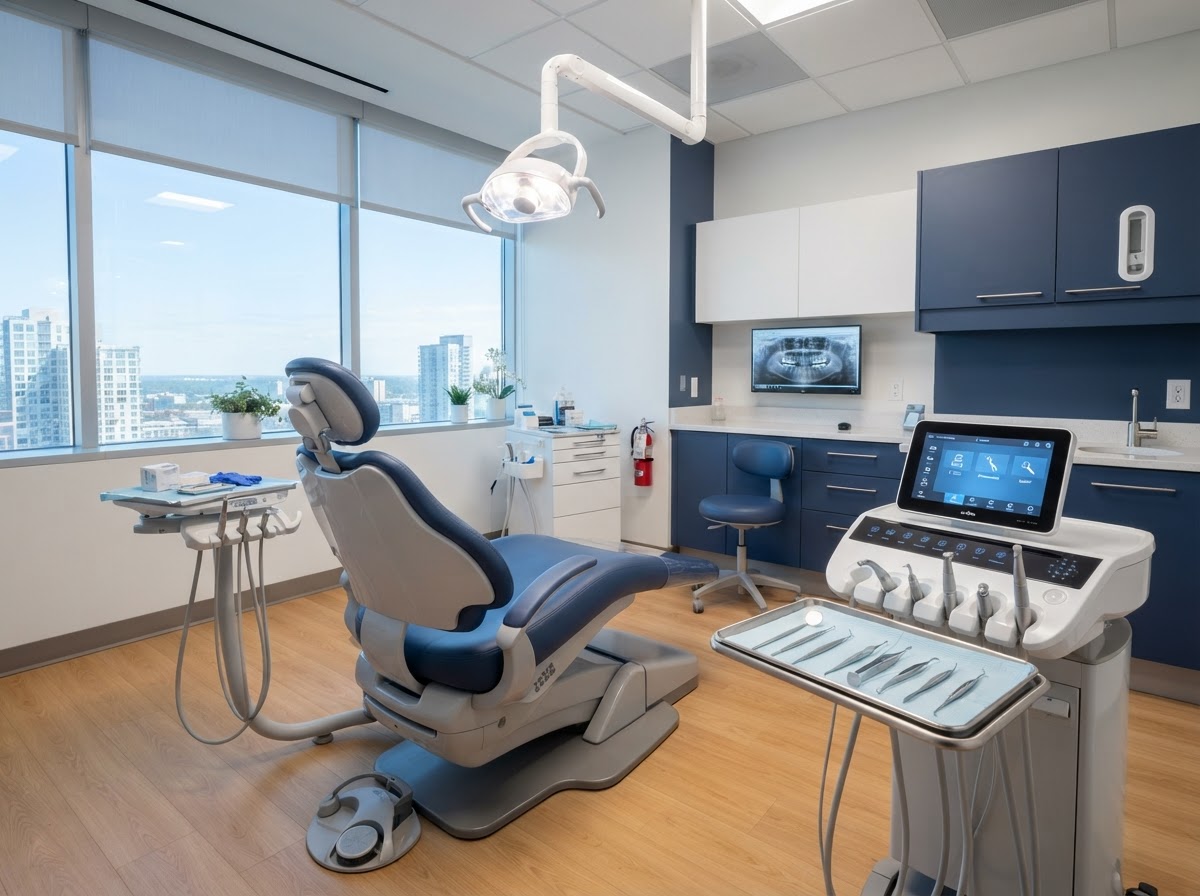
Operatory Suite A · Chair 1
Active operatoryStaff stay in control
No automatic booking, ever. Open Slot surfaces openings and manages offers, but a human on your team takes the approved action. Privileged controls never bleed into a patient view, and roles are verified by the server on every request.
- No auto-booking of patients
- Server-side clinic & role isolation
- Role-gated, never inferred from the device
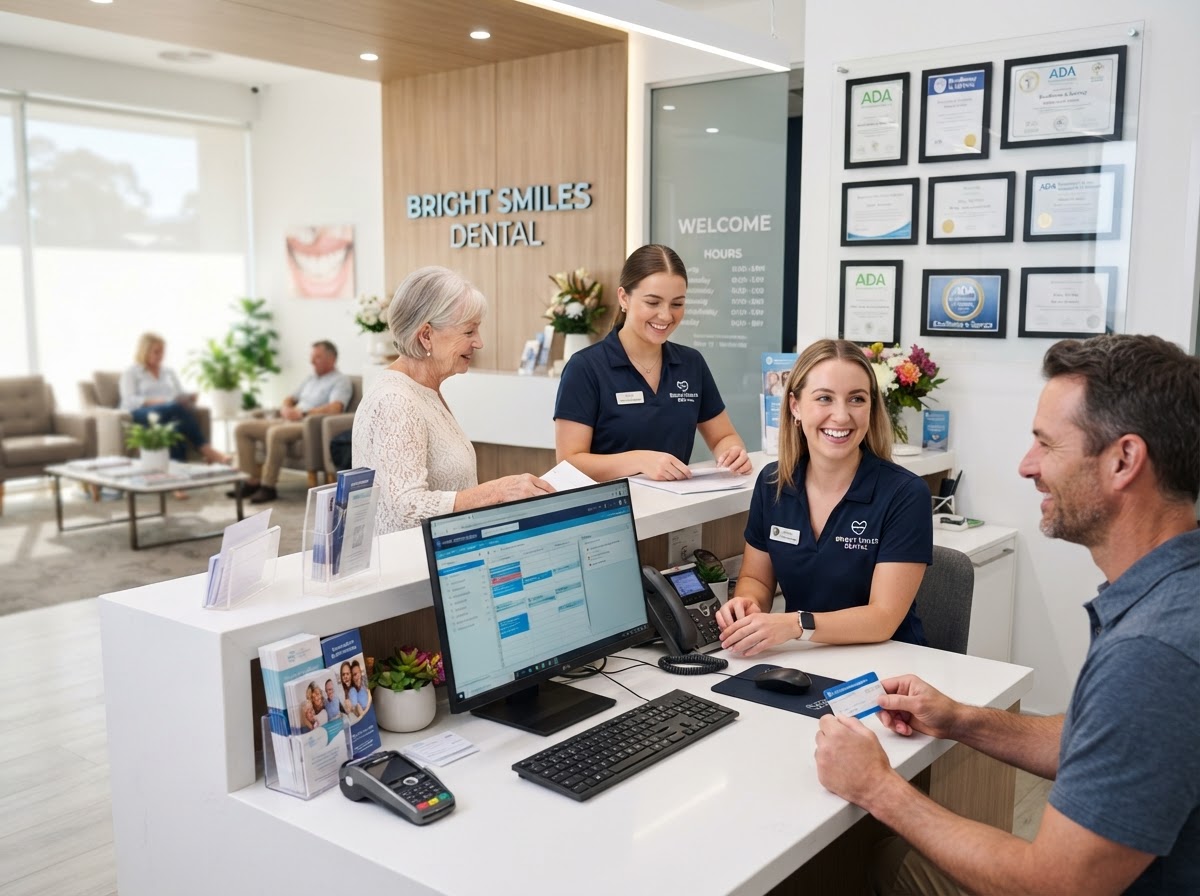
Front Desk · Reception Team
Active operatorySafe by design
Every mutation runs through the server's idempotency and conflict checks. A timeout after a write is an unknown outcome, not a failure — Open Slot reconciles before offering a retry, so a dropped connection never creates a duplicate booking.
- Idempotent commands for every mutation
- Conflicts surface as stale-slot, not errors
- No duplicate bookings on network drops
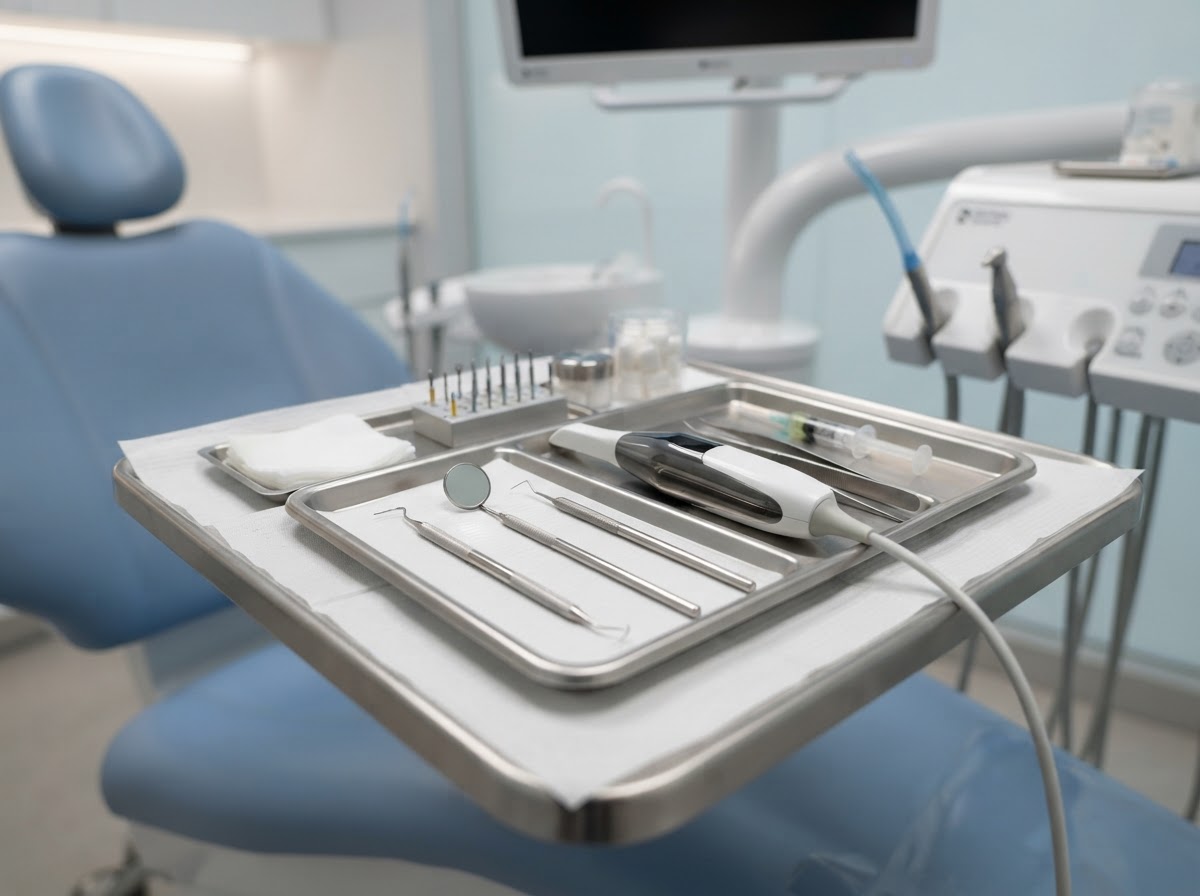
Sterile Operatory Setup · Chair 2
Active operatoryYour EHR stays the authority
Open Slot is a recovery layer, not a replacement schedule. It reads from and reconciles with your practice-management system, so the real calendar never drifts and your staff never maintain a second source of truth.
- Practice-management system is authoritative
- Read-back verification after every action
- No parallel calendar to keep in sync
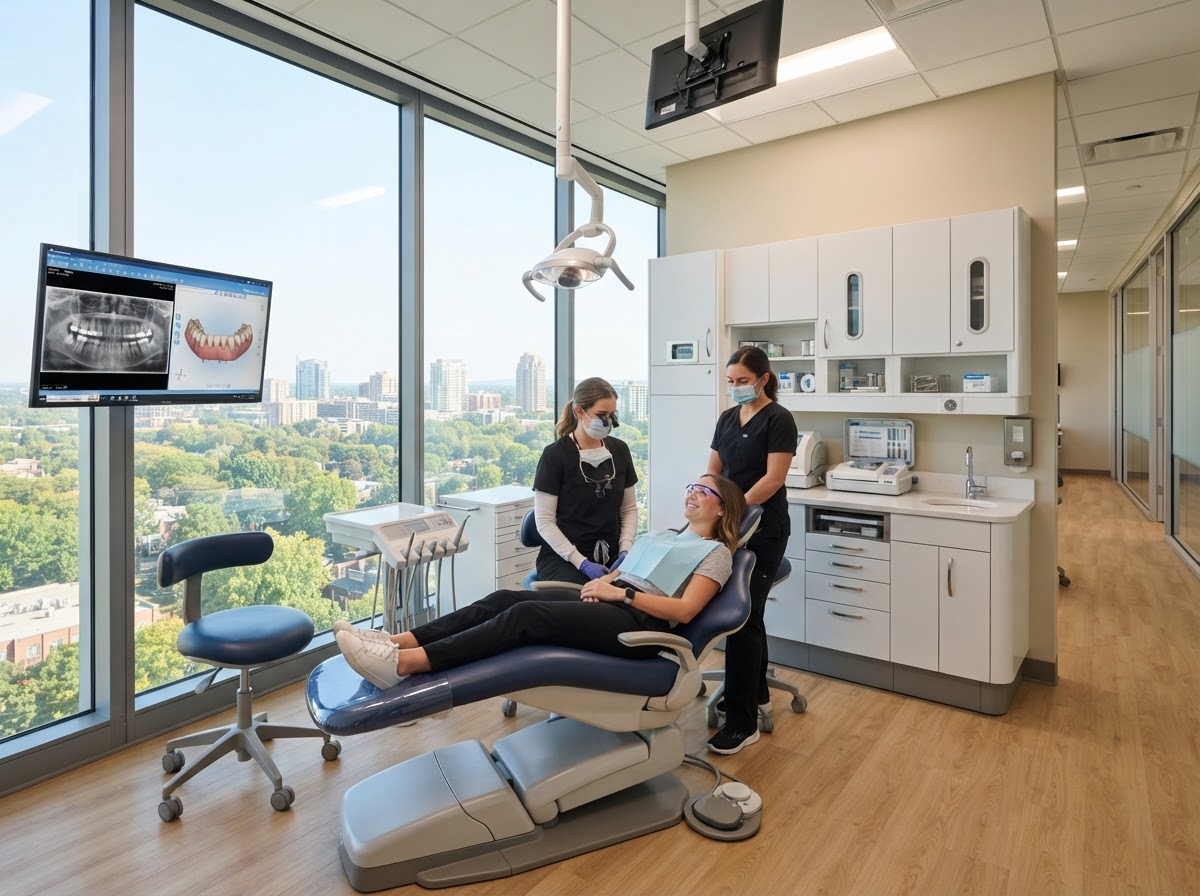
Multi-operatory Clinic Overview
Active operatoryA recovery queue your team actually wants to use
Designed for short, interrupted front-desk tasks and one-handed use. Clear status, safe recovery from a dropped network, and the most useful next action always obvious — without automatically booking or disclosing patient details.
9:40 AM
Chair 2
11:15 AM
Chair 1
2:30 PM
Chair 3
3:45 PM
Chair 2
1
Source of truth — your EHR
0
Automatic patient bookings
4
Clear workflow states
100%
Actions staff-approved & logged
“We stopped chasing cancellations on paper. The desk sees the opening, takes one approved step, and the schedule in OpenEMR is still the one everyone trusts.”

Rachel Adams
Office Manager, Lakeshore Dental Practice
Illustrative scenario. Open Slot uses fictional fixtures during development.
Simple, per-clinic pricing
One price per clinic location. No per-seat charges, no paid add-ons, no third-party tracking baked into the baseline.
Practice
- Up to 3 locations
- Workflow handoffs & review
- Conflict reconciliation
- Priority support
Group
- 4+ locations
- Role & membership controls
- Onboarding & training
- Dedicated account manager
Questions dental teams ask us
Does Open Slot replace my practice-management system?+
No. Open Slot is a recovery layer that works alongside your EHR — it surfaces openings and manages staff-approved offers, while your practice-management system remains the authoritative schedule. We never book without your say-so.
Will it auto-book patients?+
Never. Every action is staff-approved. Open Slot makes the useful next action obvious, but a person on your team takes it. Patient self-service, if added later, is a separate role-gated flow — never mixed into staff controls.
How does it handle appointment times across timezones?+
Every slot is displayed in the practice's own timezone with an explicit offset, not parsed as device-local time. Times stay correct across travel, daylight-saving changes, and multi-location clinics.
What happens if my network drops mid-action?+
A timeout after a write is treated as an unknown outcome — not a failure. Open Slot uses the server's idempotency to reconcile the same command before offering a retry, so a dropped connection never creates a duplicate booking or a false success message.
Is my patient data exposed?+
By default the queue shows time, chair, and workflow status — not patient names or clinical details. Notifications and app-switcher previews are kept minimal. Telemetry is off until you approve a privacy-reviewed design.
What about HIPAA and compliance?+
Open Slot is designed privacy-first, but no compliance badge on a landing page is a substitute for a real review. Before production clinic use, we complete privacy/security review, data-processing agreements, retention rules, and a real-EHR integration plan together.
Stop losing chairs to cancellations
See Open Slot recover your first open slot with fictional fixtures. Book a walkthrough with our team — no production data, no obligations.
Demo uses fictional data. No production clinic access during evaluation.